



How to Find and Join Your WARDOGS Server
WARDOGS Community Servers can now be found directly through the in-game Server Browser. You can either search for your server by name or join it using its Server ID.
Open the Community Server Browser
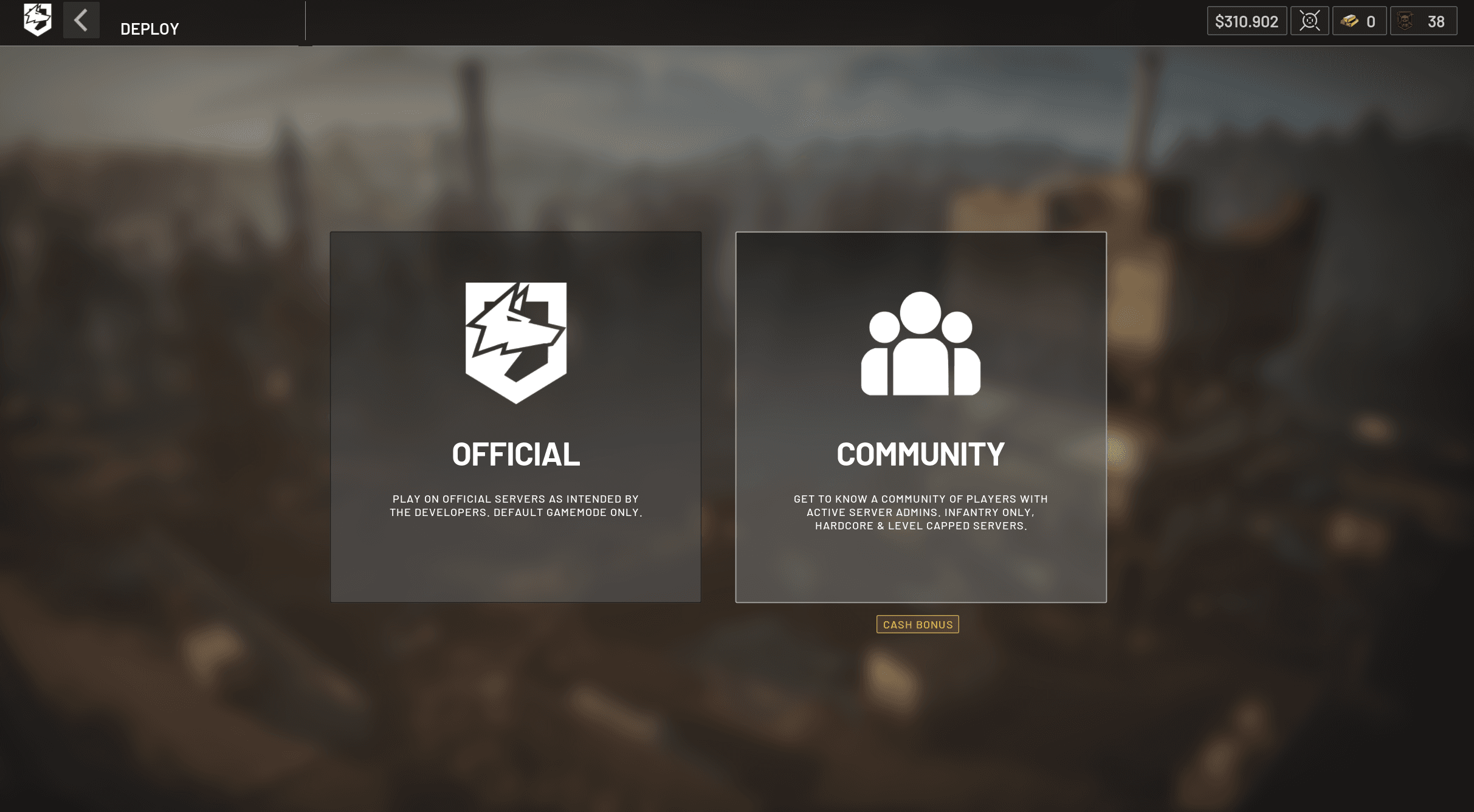
From the Deploy screen, select Community.
Select Your Server Region
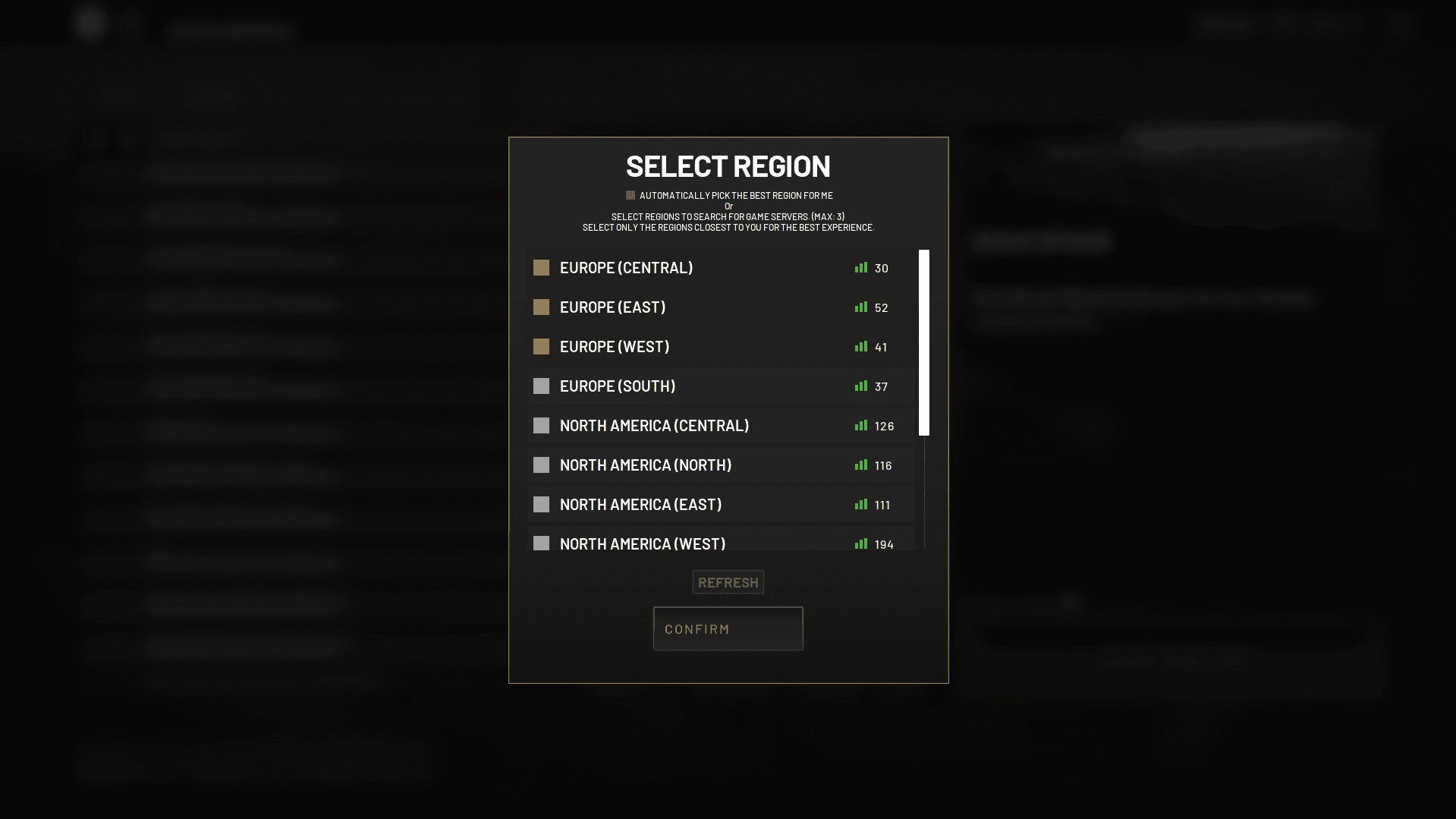
Back in the Server Browser, click Region at the bottom of the screen.
Select the region where your server is located, then confirm your selection. Choosing the correct region helps you find your server faster and ensures the best possible connection.
Option 1: Search by Server Name
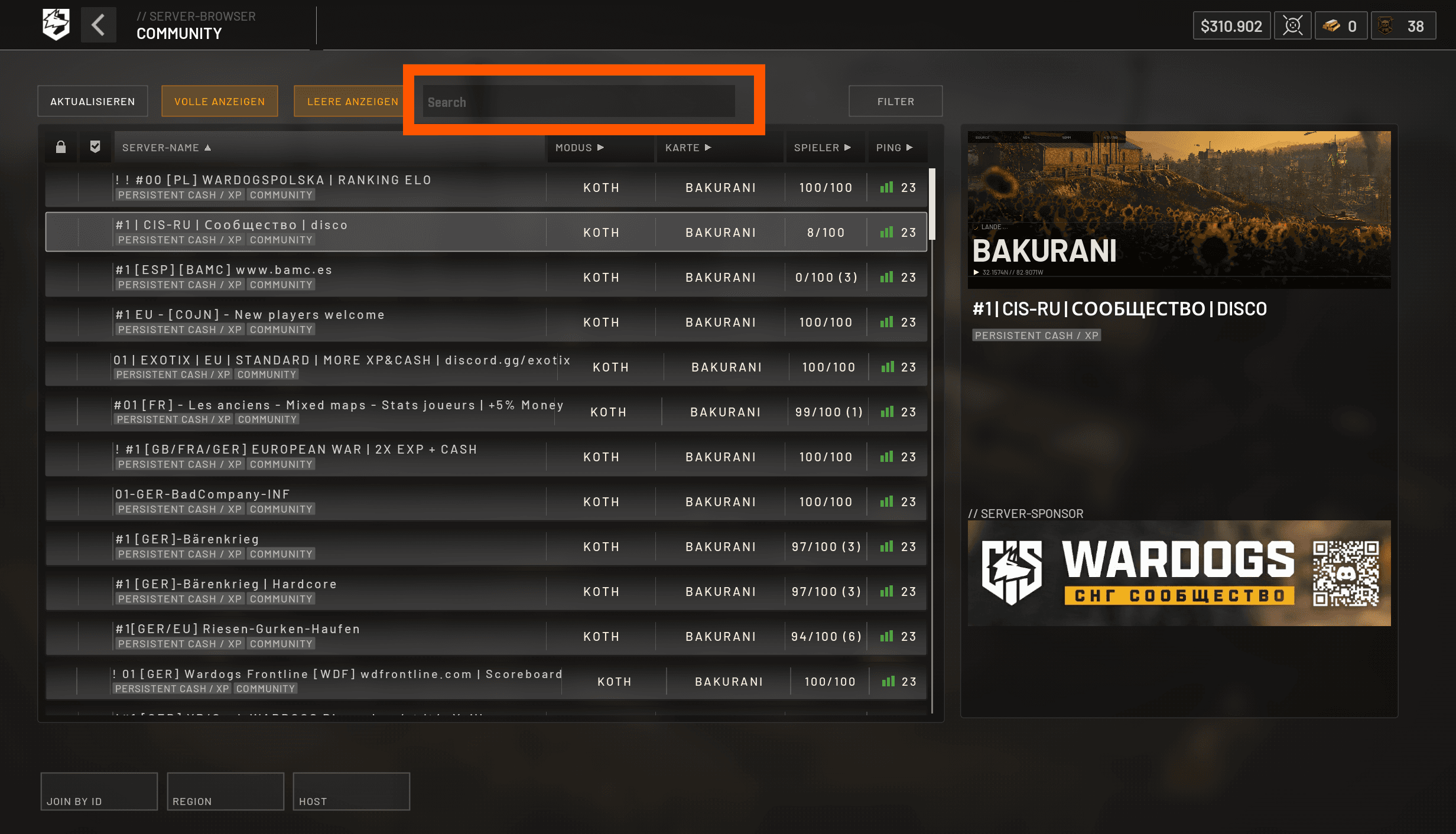
Use the Search field at the top of the Community Server Browser and enter your server name.
Select your server from the results, then click Join Match.
Option 2: Join Using Your Server ID
Your Server ID is available in your xREALM server panel.
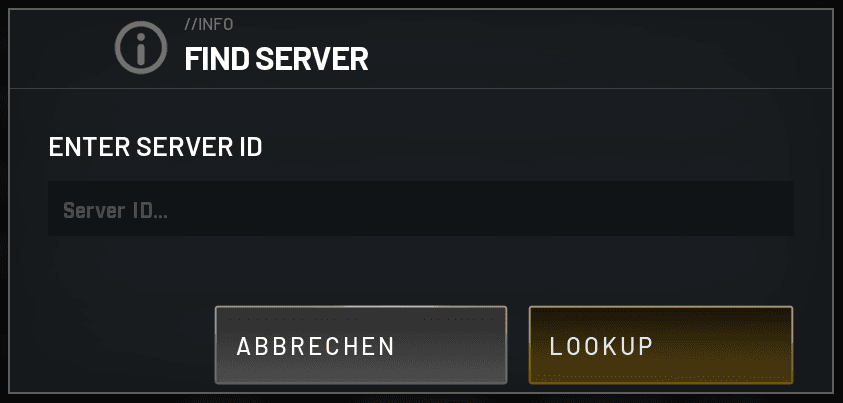
In the Community Server Browser, click Join by ID in the bottom-left corner. Enter your Server ID and click Lookup.

___________________________________________________________________________________________________
Have fun on the battlefield! 🐺