.png&w=3840&q=75)
xREALM – The Evolution of Game Server Hosting
Pockethost has grown, evolved, and levelled up. Welcome to the next generation of game server hosting.
From new game releases to platform upgrades, we keep you updated with everything you need to know. Check out our latest announcements, tips, and community highlights!
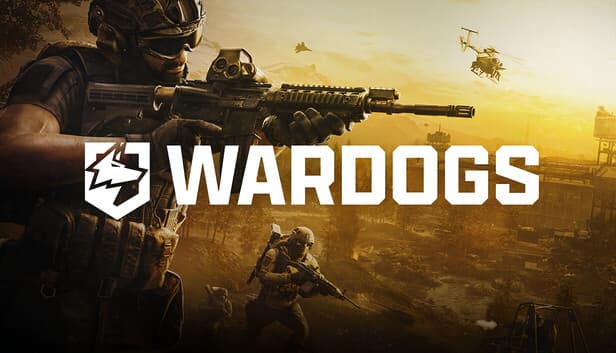
Schedule your WARDOGS server to restart after a match ends. Learn how schedules, custom announcements, and BULKHEAD’s restart after 24 hours of uptime work together.
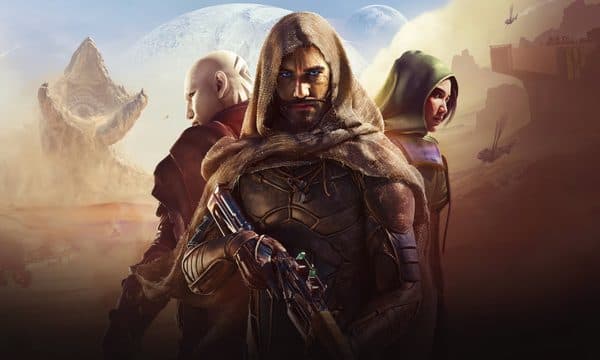
Learn how to transfer your Dune Awakening character from a closed world, claim your bases and vehicles, and continue your adventure on a new server.
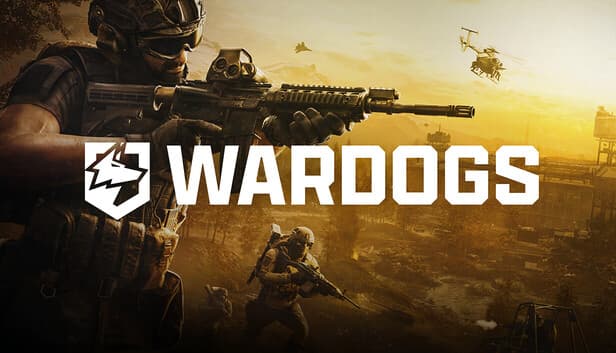
Learn how to join your xREALM WARDOGS server by searching for its name in the Community Server Browser or using its Server ID.
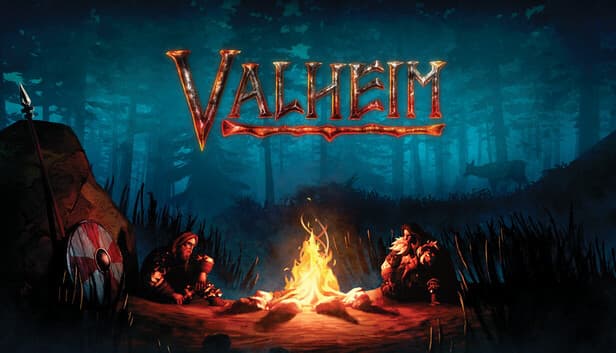
Discover Valheim 1.0’s endgame, from Deep North dungeons and new crafting systems to Jotunn invasions and the path to the final boss.
Valheim 1.0 is coming. Discover what changes for your worlds, servers and mods, and what to expect from the Deep North, achievements and crossplay.
Discover what WARDOGS is, how its massive three-team battles work and why Battlefield and Arma players should keep an eye on it