




1. Open the Mods Folder
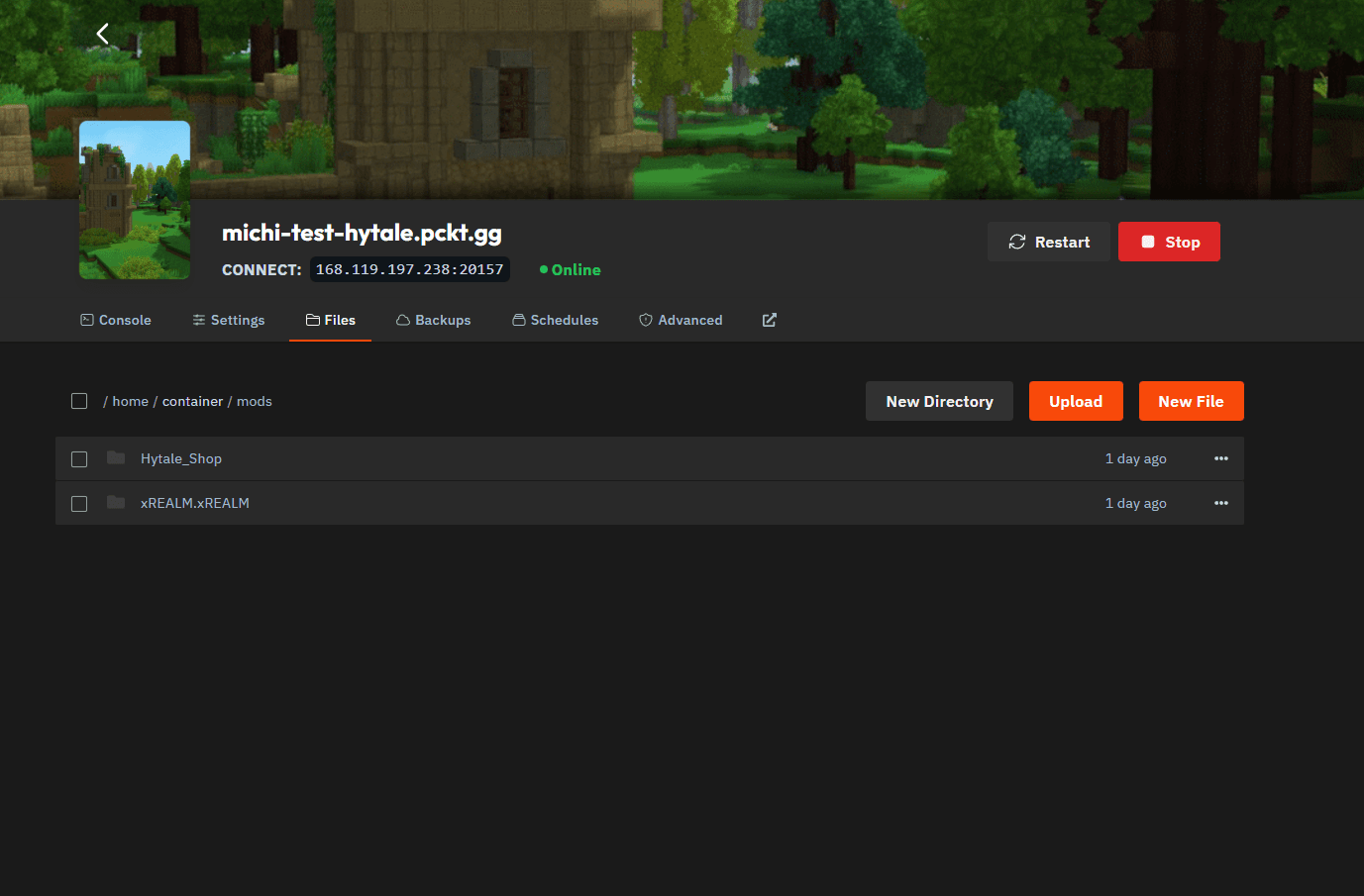
Go to the Files tab of your server and open the mods directory.
This is where all server-side mods are loaded from.
2. Download a Mod from CurseForge
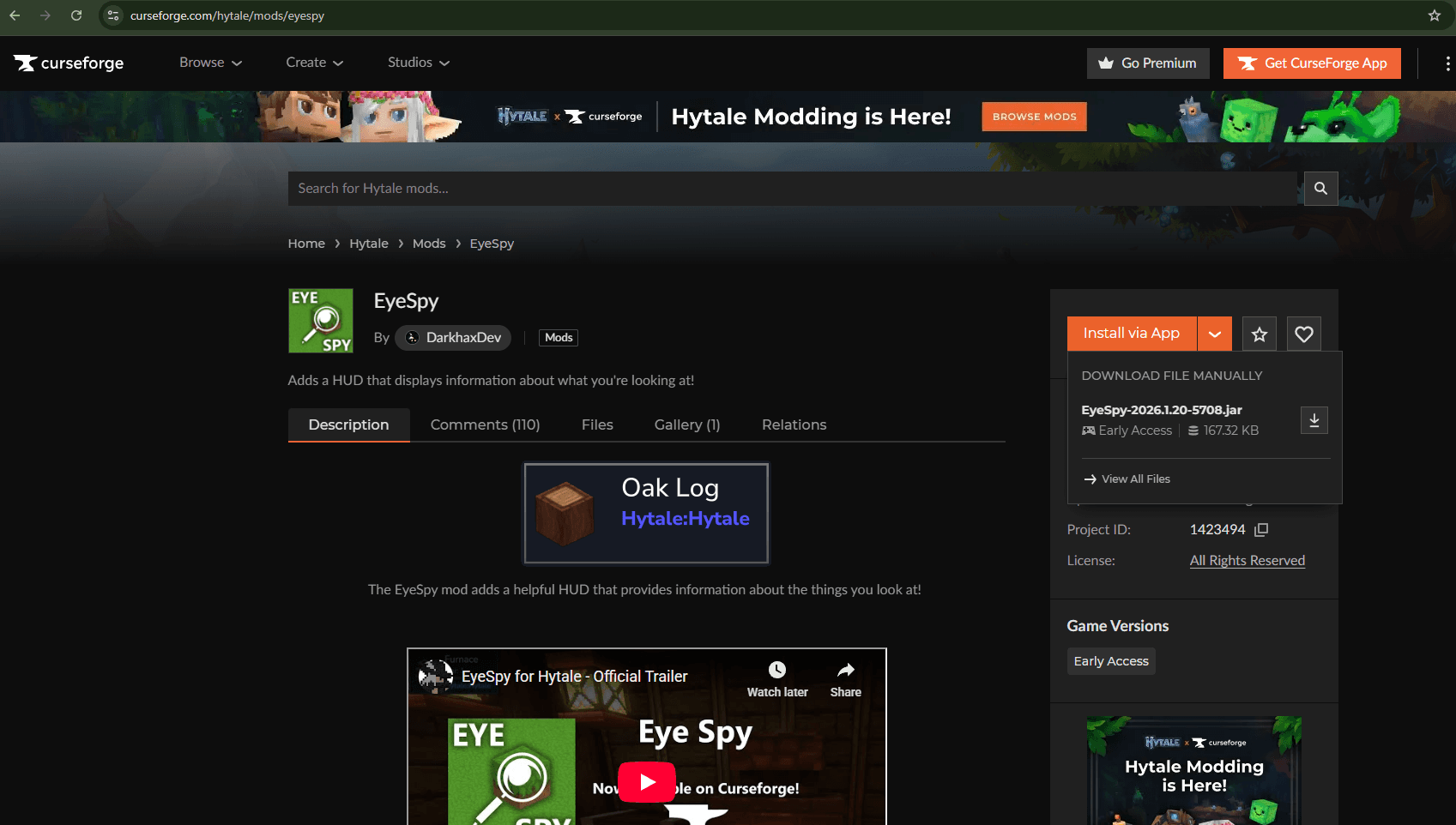
Visit CurseForge and download the mod you want to install.
Make sure to download it as a .jar or .zip file.
Keep in mind that not all mods currently support dedicated servers, so some mods may not work yet.
3. Upload the Mod to the Server
Upload the downloaded mod file to the mods folder.
You can do this by:
- Drag and drop
- Clicking the Upload button
Only .jar and .zip files can be uploaded. Folder uploads are not supported.
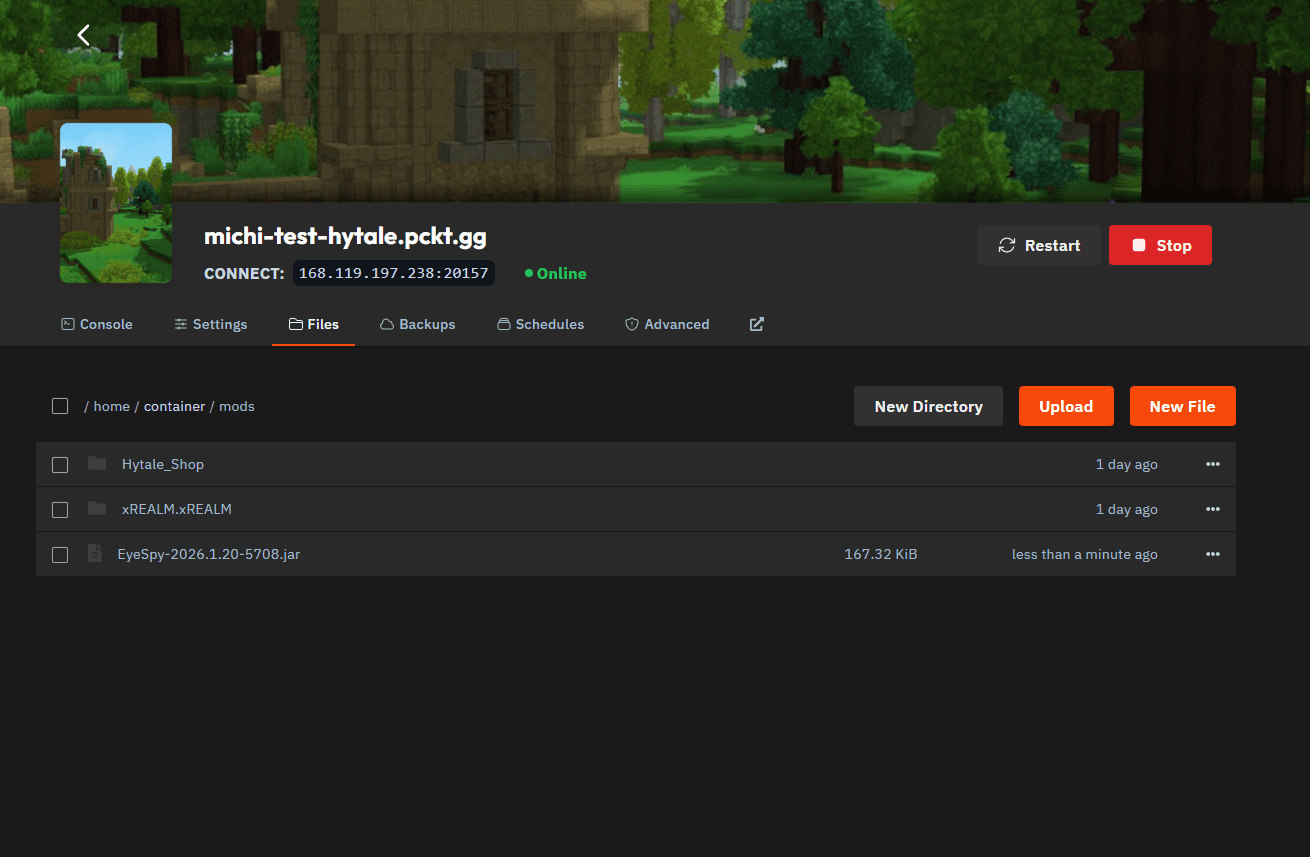
4. Restart the Server
Restart your server after uploading the mod.
During startup, check the console output to confirm that the mod is being loaded.
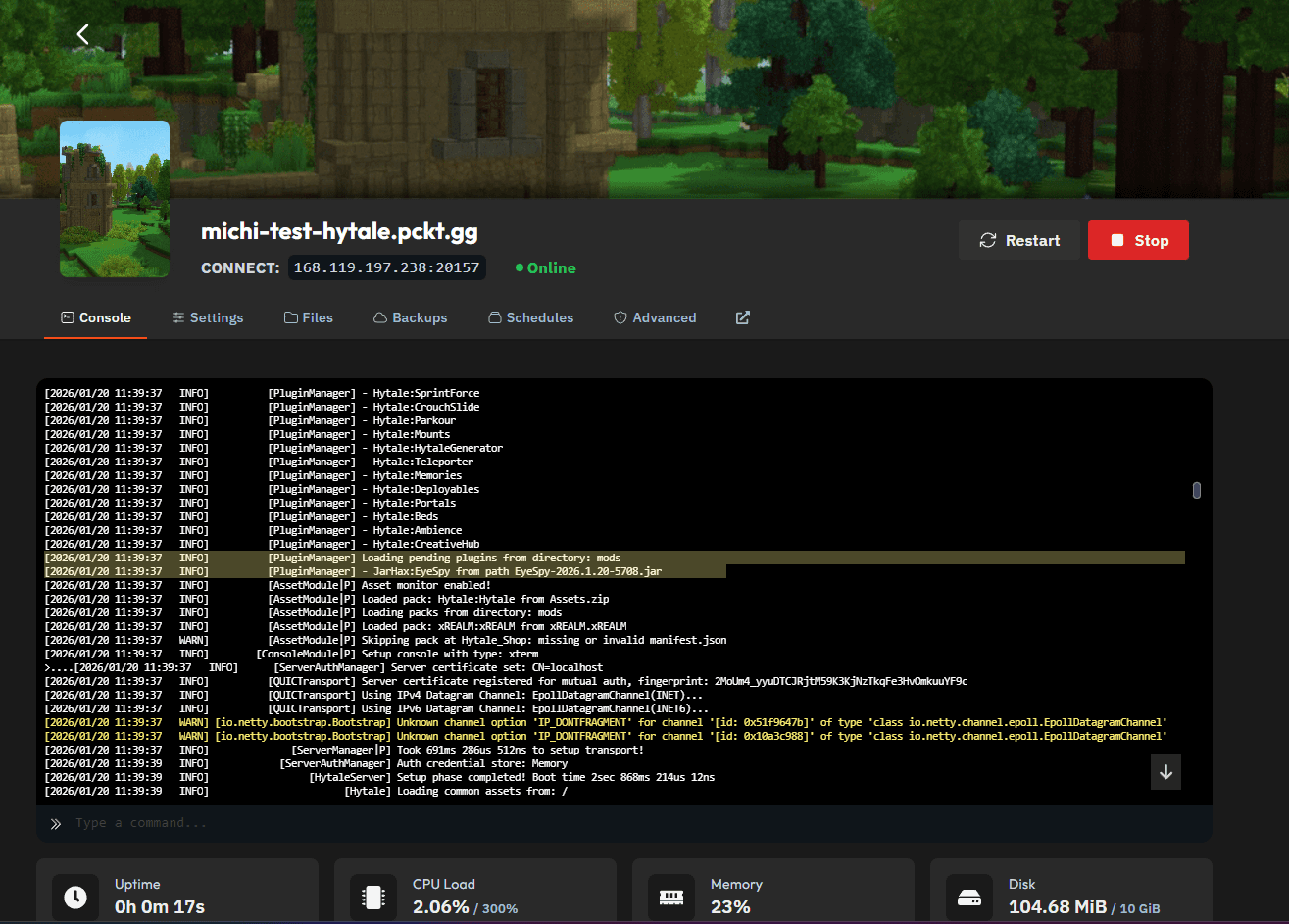
5. Verify the Mod In-Game
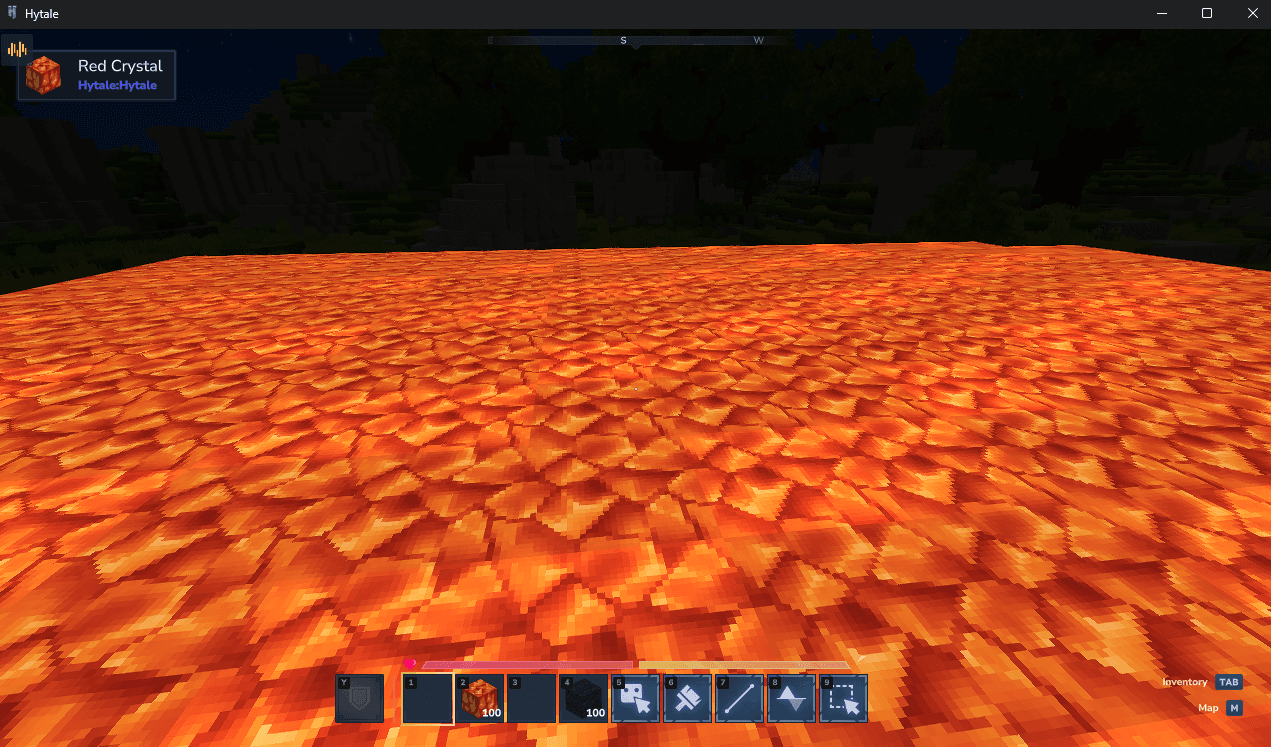
Connect to the server and verify that the mod is working as expected.
If the mod provides visual feedback or UI elements, they should now be visible in-game.
And that is how you install mods on your xREALM Hytale Dedicated Server.